
-
Accounts and billing

Pay your bill online
There are many ways to pay. You can pay online with your credit card, or explore other ways to pay.
-
Faults and works
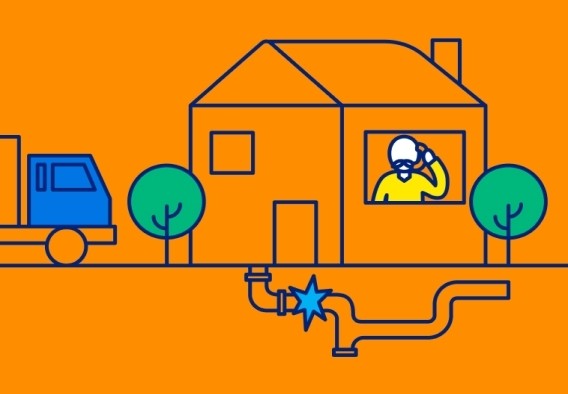
See a leak? Let us know!
South East Water is responsible for the meter and pipes from the street to the meter. If you believe a leak is on our side, let us know and we’ll investigate.
-
Building and development
PropertyConnect
Submit requests online 24/7 for services like water connections and asset and sewerage plans.
-
Water, waste and environment

Apply for a trade waste consent
Setting up or moving into a business? If your business discharges trade waste, find out which consent you need and apply for it here.
-
About us



Contact us
Whatever you need, we’re here to help.

Before you contact us
Manage these tasks online at a time that suits you.
If you can't find what you're looking for, you can find our contact details below.
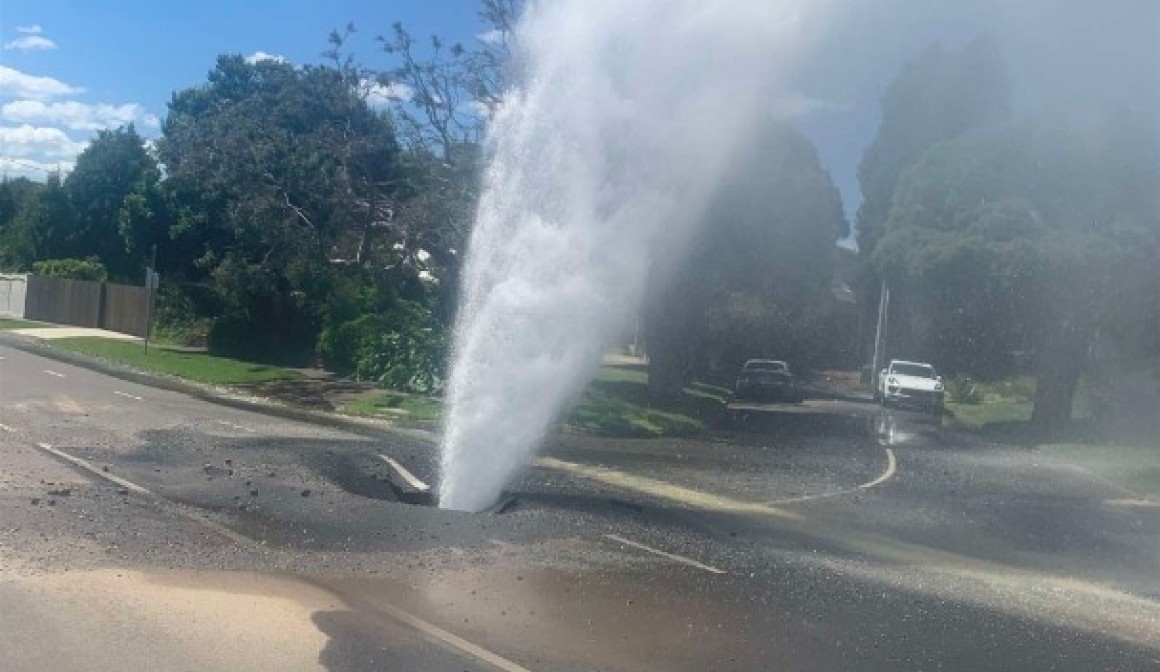
Reporting a leak
If it's a major burst, sewer issue or emergency, call 13 28 12 for immediate assistance (available 24/7).
If you’re experiencing a non-major leak, use the SEWlive map to check for known outages. If the outage isn’t on the map, report it online.
Paying your bill
You can pay your bill or check your account balance by phone, 24 hours a day, 7 days a week. You'll need the account number shown on your bill.
Direct debit makes paying your bill easy. You'll continue to receive your bill every three months, and the amount due will be automatically deducted from your nominated bank account or credit card.
Direct debit can be easily be set up, call 13 16 94, Monday - Friday, 8am - 6pm. You'll need the account number shown on your bill.
Prefer smaller, more regular payments? A payment plan lets you spread the cost of your bill with fortnightly or monthly instalments. Read our guide on payment plans.
Call 13 16 94, Monday - Friday, 8am - 6pm to set up a new payment plan, or to change or delete your existing plan.
If you're having difficulty paying your bill, you may be eligible for extra time to pay. Read our guide on requesting more time to pay.
f you need more time to pay your bill, you may be able to apply for an extension, call 1300 659 658. You'll need the account number shown on your bill.
Understanding your bill
Check your meter reading
If we couldn't access your meter, your bill may be based on an estimated reading using information from previous bills. This may be higher or lower than your actual water use.
If you think your reading is incorrect, you can submit a meter reading online, email
reading@servicestream.com.au or text 0429 883 489.
Check for leaks
Leaks from taps, toilets or hot water systems can significantly increase your water use and bill. Find out how to check for leaks and fix them early.
Check your water use
Changes in household size, garden watering, warmer weather or cooling systems can all increase water consumption. Learn how to save water and reduce your bill.
Request a high usage review
If your bill is higher than expected due to a leak, you may be eligible for a review under our High Usage and Leak Allowance (HULA) guidelines. Check your eligibility and apply online.
Who pays water charges?
Depending on your living arrangements, you'll be responsible for different water charges.
Renters
Renters usually pay for water usage charges only. This now includes the charge previously known as the sewage disposal charge.
Landlords/rental providers
Landlords/rental providers usually pay fixed water and sewerage service charges, as well as charges from other authorities.
If the property has a shared meter, such as a block of units, rental providers may also be charged for water usage. These charges can't be passed on to renters.
Owner-occupiers
Owner-occupiers are responsible for water usage charges, fixed service charges and charges from other authorities.
Residential prices and charges
Find out about the fees and charges that apply to residential customers.
Business prices and charges
View the fees, charges and pricing that apply to business customers.
Current and previous bills are available in mySouthEastWater. Sign in or register to access your bills online.
Switch from paper bills to eBills for easy access, secure storage and fewer paper documents to manage. Read our guide on switching to eBills.
Sign in to mySouthEastWater or register for an account to get started.
Manage account
Manage your South East Water account online, anytime. mySouthEastWater is a secure and easy way to access your account, view bills, make payments and update your details.
How to register
- Visit mySouthEastWater.
- Select Register now.
- Have your account number ready (it's located at the top of your bill). You must be listed on the account to register.
- Fill in your details.
- Check your inbox and click the verification link to set your password.
Manage your account anytime in mySouthEastWater.
You can:
- Keep your contact details up to date
- Update your mailing address
- Manage your communication preferences
- Update your direct debit details
If you hold a concession card, you may be eligible for a discount on your bill. Read our guide to concession cards to check your eligibility.
If you're eligible, you can register your concession card in mySouthEastWater or complete a paper application form.
Still need some help?
We're here to help.
Get support online 24/7, or give us a call during opening hours. Choose the option that suits you best.
-
Submit an enquiry
Use our online form for all account-related and general enquiries. To help us process your request as quickly as possible, please have your account details ready.
-
Submit feedback
Your feedback matters. Let us know your thoughts, suggestions, or ideas to help us enhance our services and customer experience.
-
Send a complaint
We're committed to delivering great service. If you're unhappy with an experience or outcome, tell us about it and we'll work with you to make things right.
Our contact details
Accessibility and language support
We offer a range of accessibility and language support services.
- For hearing, speech or communication assistance, contact us through the National Relay Service on 13 36 77.
- For translation and interpreter services, call 03 9209 0130 and tell us your preferred language.
- To nominate a representative or support person, call 13 18 51.
Plumbing or development applications
1300 390 376
Monday - Friday, 9am - 5pm
Submit plumbing or development applications online 24/7 at PropertyConnect.
PO Box 2268
SEAFORD, VIC 3198