



Register for mySouthEastWater
Pay your bill, access past bills, set up a payment plan and check your water use, anytime.
On this page
Everything you need 24/7
Your online account puts everything you need in one easy to use location.
It’s secure, simple and designed to help you manage your South East Water account when you need to.
Register in three easy steps
- Visit mySouthEastWater
- Enter your details
- Verify your email
Select ‘Register now’ to begin.
Use your account number (found at the top of your bill). You must be listed on the account to register.
Check your inbox and follow the link.
Note: If the email you provide doesn’t match the one on your account, we may need to contact you to complete your registration.
With mySouthEastWater you can:

Manage your account
Make payments, check your account balance, view past bills, switch to eBills or add your concession.

Set up direct debit
Pay automatically from your bank account or credit card.

Start a payment plan
Break your bill into smaller, regular payments.

Track your water use
See your water usage and seasonal patterns.
%201.png)
Keep your details up to date
Get prompt alerts, updates and water interruption notifications via SMS and email.
Frequently asked questions
If you receive this message, first check that the details you entered are correct.
This error can occour for a few reasons:
- The name entered doesn't match one on the account - check that you haven't entered your shortened or nick name.
- Your date of birth or email address either isn't in our system or doesn't match the one we have.
If they're correct, select ‘Process my registration manually.’
Our Customer support team will look into your registration request and get back to you soon.
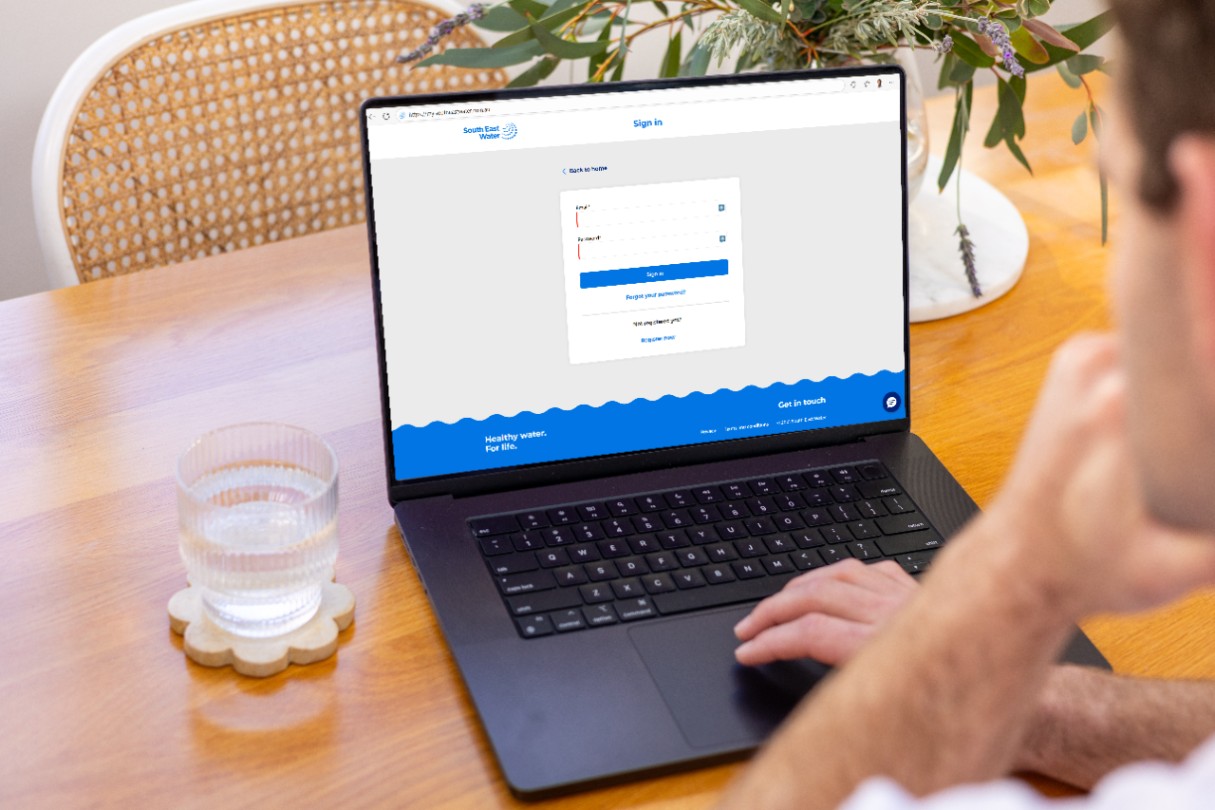
To reset your mySouthEastWater password, on the mySouthEastWater sign in page select ‘Forgot your password.’
If you complete the mySouthEastWater registration form and you’re already registered a message will pop up letting you know.
The message will say ‘It looks like you are already registered for mySouthEastWater.’
Yes, you need to be listed on the account to register for mySouthEastWater.
mySouthEastWater is designed to be user friendly. If you run into any issues, you can always call us on 131 851.
It’s quick and easy to find out how much is owing on your account or to check your bill due date.
Have your account number ready – you can find it on the top right-hand corner of your bill.
Sign into mySouthEastWater