



Switch to eBills
Take a pass on paper and switch from paper bills to email bills. You’ll help save a whole lot of paper and trees and you’ll have access to your bills whenever you need.
On this page
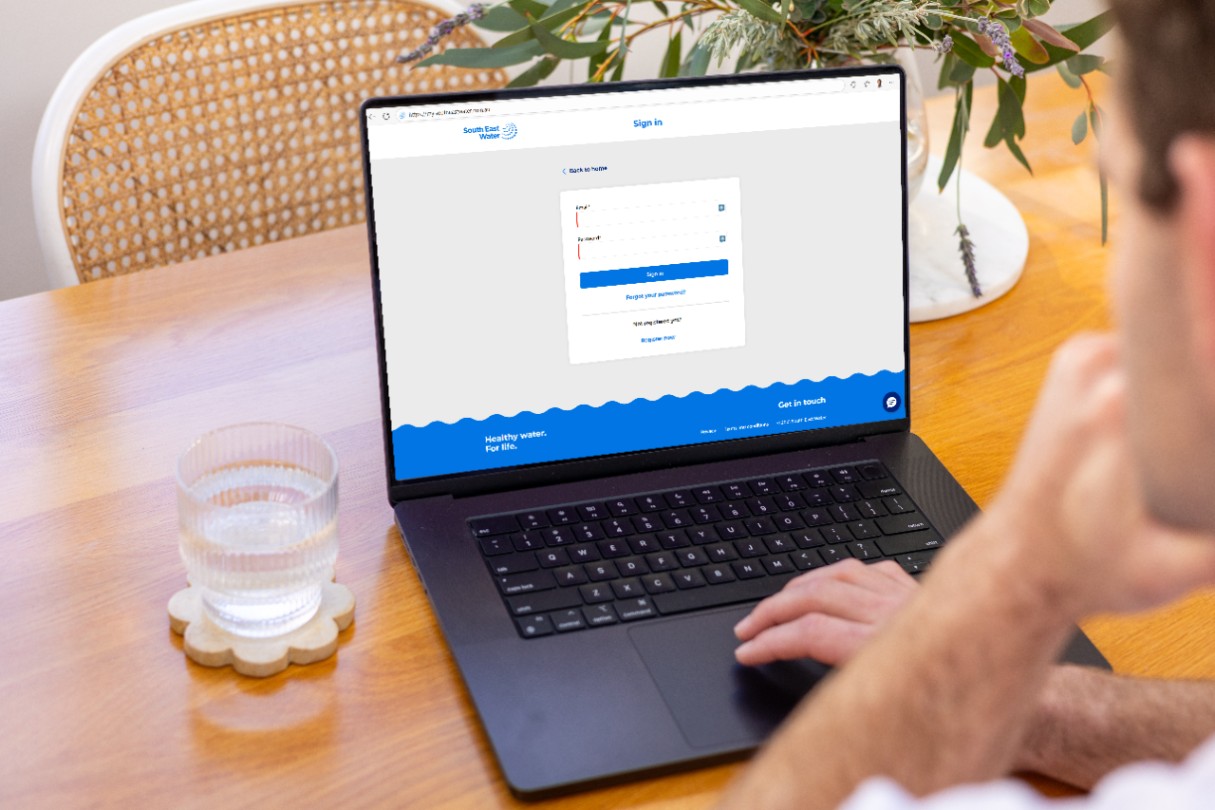
1. Register or sign in to mySouthEastWater
To register: you'll need to be listed on the account. Enter your details and account number (found at the top of your bill). Once submitted, check your inbox and follow the link to complete registration. We may contact you to confirm your details.
To sign in: If you’ve forgotten your password, click no ‘Forgot your password?’ and enter your email address to reset it.
2. Click on Change billing method
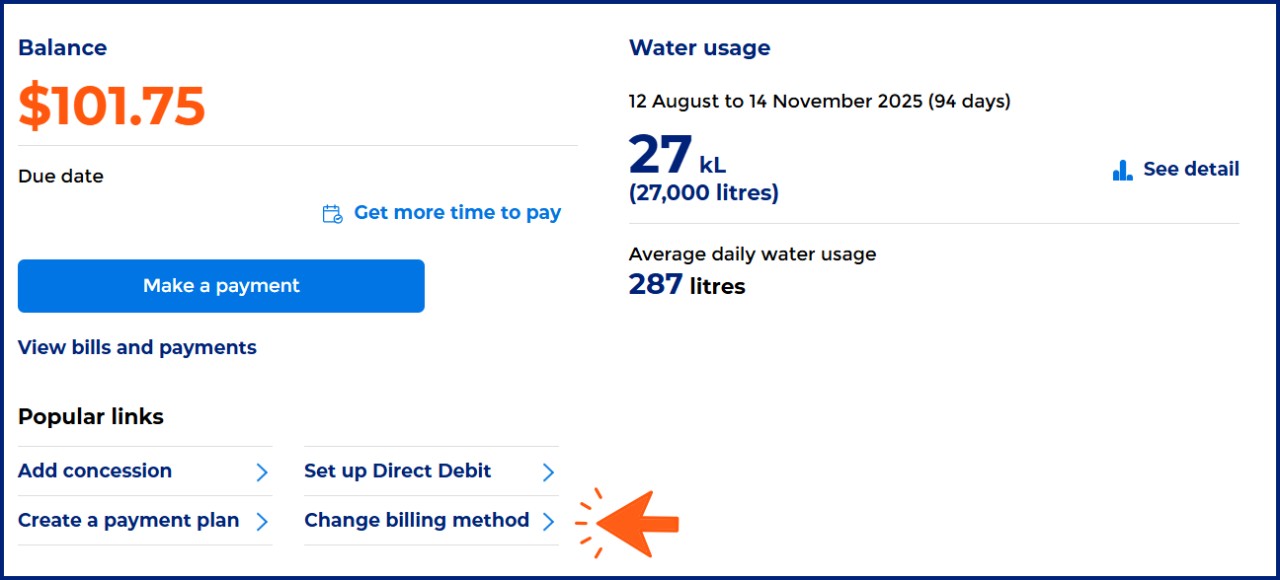
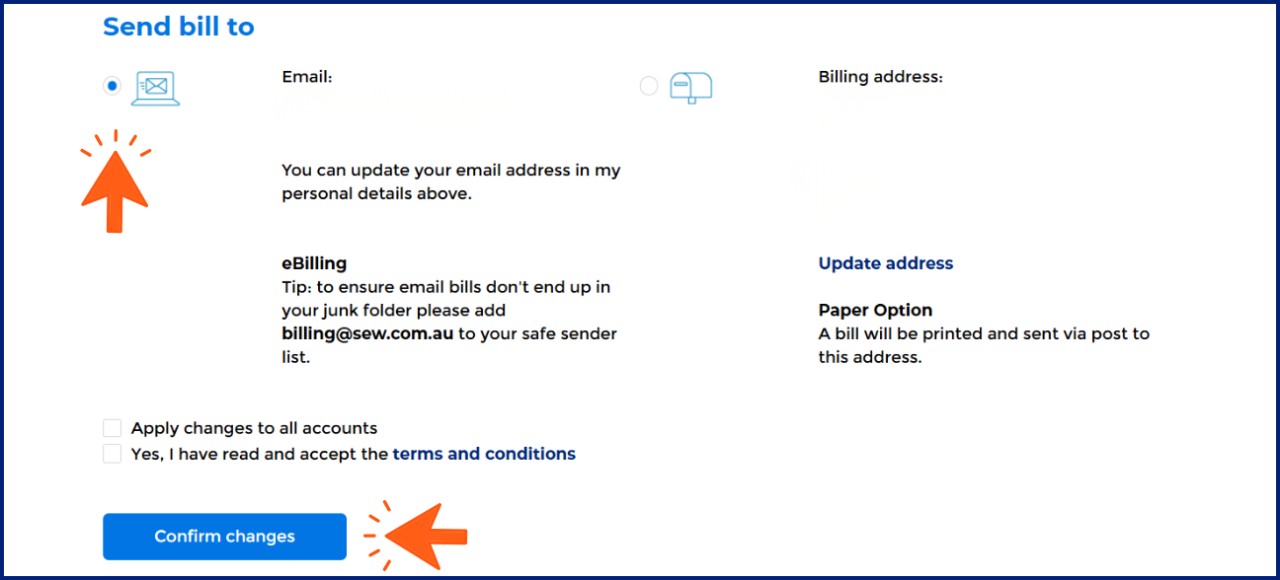
3. Select Email and Confirm changes
Anytime, anywhere
No more waiting for the post. Access your bills from anywhere in the world, anytime you need.
Stay organised
Say goodbye to paper clutter, eBills help you stay organised with all your bills together.
Simplify tax time
Easily download and store your bills digitally, making tax time a breeze.
Protect the environment
Feel good about helping the earth by saving trees from being cut down.
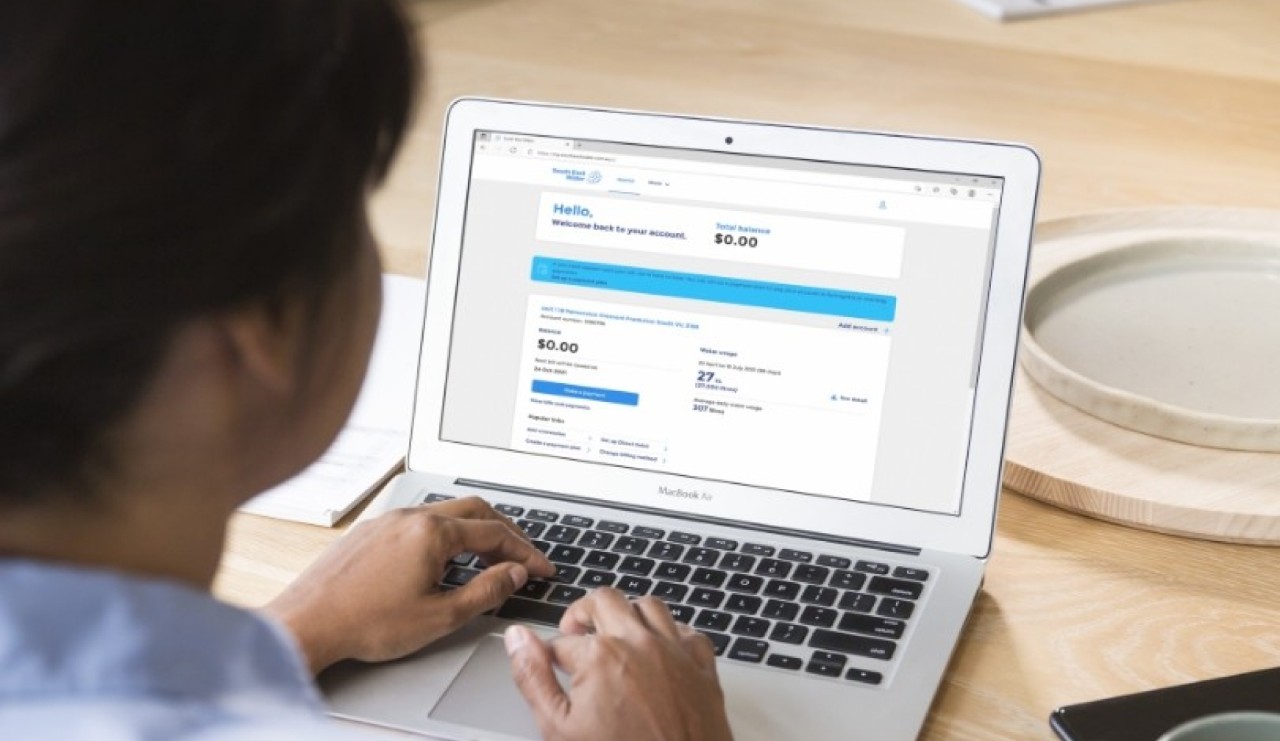
You can switch to email bills through mySouthEastWater or over the phone on 13 18 51.
Yes, your privacy and security are our top priorities. eBills are delivered securely to your email, and your account is protected with industry-standard security measures.
Please refer to section 7 of our Privacy Charter for more details on our data security procedures.
You can view and download past bills by signing into mySouthEastWater.
All your past bills are stored securely for easy access, just click on the Billing tab.
If your eBills are not appearing in your inbox:
1. Check your spam or junk folder - the eBill will be sent from billing@sew.com.au
2. Check your email address is up to date in by logging into mySouthEastWater and clicking ‘My details’ - you can also view your past bills via the Billing tab.
Yes. You can do this through mySouthEastWater, or by contacting us on 13 18 51